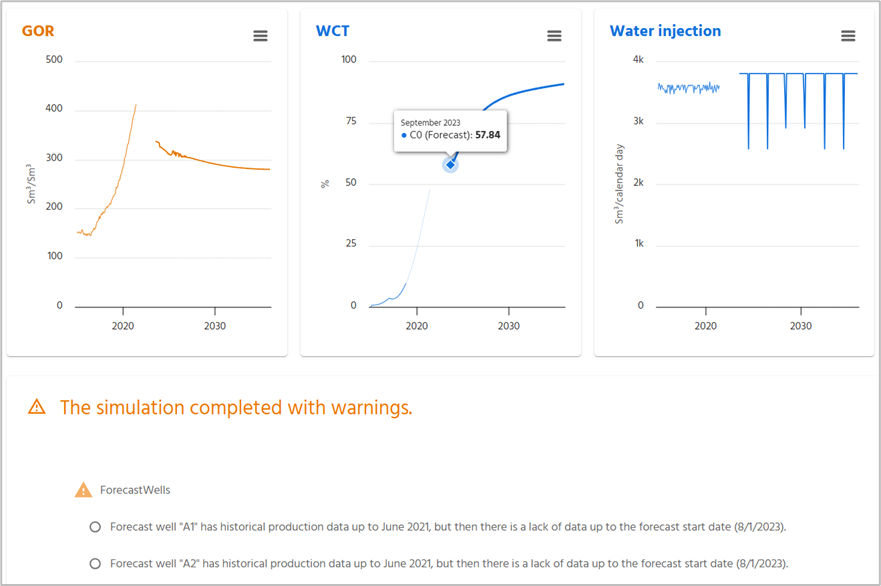
If you have a gap between your historic data and your forecast data, pForecast will give you warning on this. Return to the Forecast Properties, navigate to the Forecast tab, and check what value you have on the “Forecast start month”. Update to the same as last historical data input and your curves will be shown as continuous lines without a gap.
Alternatively, if you see that some historical data is missing, contact your system administrator to make sure that your databases are imported as they are supposed to.
Was this article helpful?
That’s Great!
Thank you for your feedback
Sorry! We couldn't be helpful
Thank you for your feedback
Feedback sent
We appreciate your effort and will try to fix the article