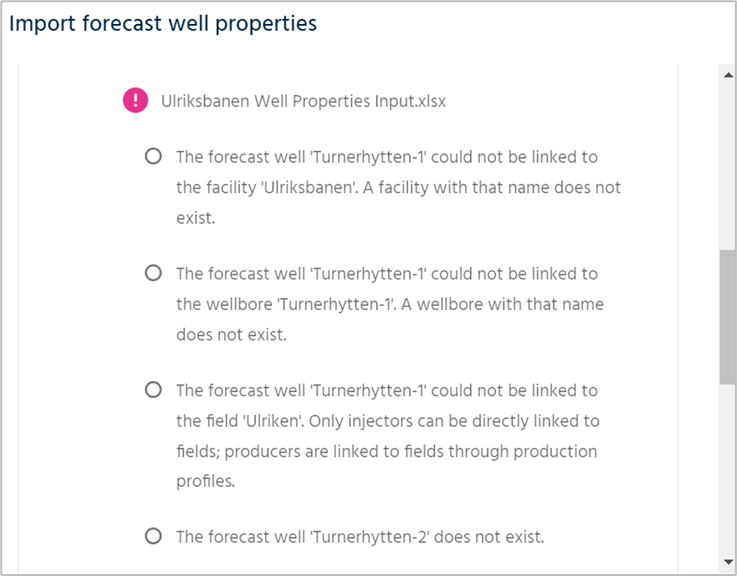
When importing forecast well data via Excel, the system provides detailed feedback on any issues encountered. If there are errors in the data, you will receive clear notifications, such as missing facility references, incorrect well-to-wellhead links, wells not being assigned to the correct field, or wells that do not exist in the system. This ensures that you can quickly identify and correct any discrepancies for a smooth data import process.
Was this article helpful?
That’s Great!
Thank you for your feedback
Sorry! We couldn't be helpful
Thank you for your feedback
Feedback sent
We appreciate your effort and will try to fix the article